

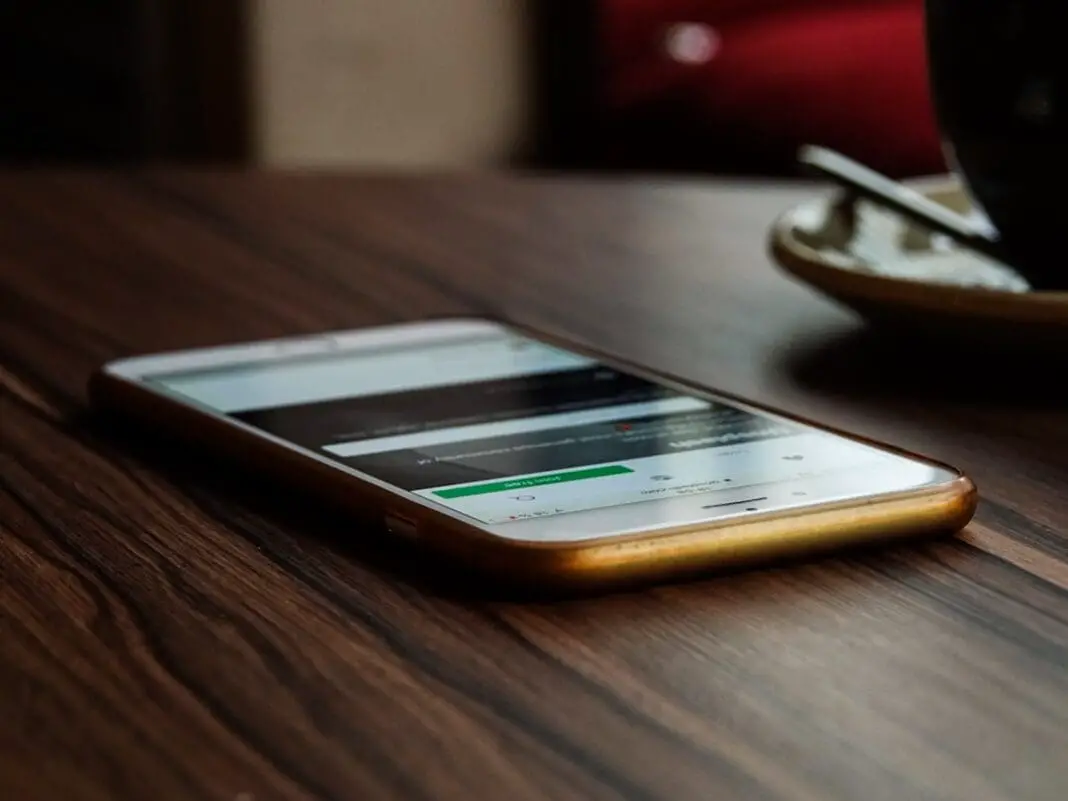
Here’s something most of us do every single day without thinking about it. You walk into a restaurant, sit down, and place your phone face up on the table. You set it on your desk at work, screen staring at the ceiling. You toss it on the nightstand, notifications glowing in the dark like a tiny billboard advertising your personal life to the room.
It seems harmless. It’s just a phone sitting on a table. But this tiny, thoughtless habit is actually working against you in a bunch of ways you’ve probably never considered. And the fix is absurdly simple: just flip it over.
Everyone at the Table Can Read Your Messages
This one seems obvious when you stop to think about it, but most people never do. When your phone is face up and a text, DM, or email rolls in, the screen lights up and flashes a preview of the message. If you’re at a lunch meeting, a family dinner, or sitting in a coffee shop, anyone nearby can read that notification. Your coworker. Your date. The stranger at the next table over.
Think about all the stuff that pops up on your lock screen throughout the day. Bank alerts with account balances. Texts from your ex. Slack messages about that annoying coworker. A reminder about a doctor’s appointment. Venmo transactions. Group chat drama. All of it, just sitting there for anyone with eyeballs to casually absorb.
According to the Electronic Frontier Foundation, the content of push notifications can contain a significant amount of information about you, your communications, and what you do throughout the day. If your phone is ever lost, stolen, or confiscated, the notification content on a face up, unlocked device is immediately visible. But you don’t even need a dramatic scenario like theft. You just need to be sitting at a Panera with your screen pointing at the ceiling.
Your Battery Is Draining for No Good Reason
Here’s a fact that surprised me. Your iPhone actually knows when it’s face down. When you flip it over, the phone detects the orientation and won’t turn on the screen when notifications come in. The notification still arrives. Your phone still buzzes or makes a sound if you have that on. But the display stays dark.
Why does this matter? Because every time a lock screen notification lights up your phone, it keeps the display on for a while. One notification, no big deal. But think about how many alerts the average person gets in a day. Every Instagram like, every spam email, every app update, every news alert. Each one lights up the screen. And the display is the single biggest battery drain on any smartphone.
You can actually check this yourself on an iPhone. Go to Settings, then Battery, and look at how much percentage is being used by “Home & Lock Screen.” For a lot of people, that number is shockingly high. All that battery burned just because your phone was sitting face up on a table lighting up for notifications you didn’t even read.
Always On Display Is Costing You More Than You Think
If you have an iPhone 14 Pro or newer, or a recent Samsung Galaxy, there’s a good chance you have Always On Display turned on. It looks cool. It shows the time, your wallpaper, little notification icons. Very sleek. Also, a massive battery killer.
Testing by DXOMARK found that the iPhone 14 Pro went from 466 hours of standby to just 122 hours with Always On Display running. That’s not a small difference. That’s almost a 75% reduction in standby time. Even on Samsung phones, which use LTPO displays that can drop to a 1Hz refresh rate, the battery hit is still around 10 to 15 percent per day.
Here’s an interesting detail: Samsung actually programmed their phones to automatically turn off Always On Display when the phone is placed face down. They also shut it off when it’s in a pocket, when Battery Saver is on, and when connected to Android Auto. Samsung literally built the phone to recognize that a face down position means “stop wasting power.” That tells you something.
If you usually end the day with about 30% battery left, turning on Always On Display will often leave you limping to the charger at 15 to 20 percent. Flipping the phone face down is the free, zero effort version of fixing this problem.
It’s Killing Your Focus at Work (and You Don’t Even Realize It)
There’s a stat that stopped me cold. According to recent workplace distraction research, 59% of employees can’t focus for even 30 minutes straight without getting pulled away by a digital distraction. And 50% of employees say their phone is their number one source of distraction at work.
Thirty minutes. That’s the minimum amount of time most people need to do any real thinking, whether it’s writing, coding, analyzing data, or strategic planning. If the majority of workers can’t even clear that bar, deep work is basically impossible for most of the American workforce.
And here’s the part that really got me. On average, people interact with their phones every four to six minutes. Not just when a notification comes in. Out of pure habit. Your phone is sitting there face up, the screen blinks for a second, and your eyes flick to it. You didn’t decide to do that. Your brain just did it automatically. Even if you don’t pick the phone up, that half second glance just broke your concentration.
A 2025 study by Dr. Maxi Heitmayer at the London School of Economics found something interesting, though. Just putting the phone away didn’t magically make people more productive. Participants who put their smartphones out of reach shifted their non work browsing to their computers instead. The real solution, the research suggests, is pairing the physical action (flipping the phone face down or putting it away) with managing your notification settings so there are fewer interruptions to begin with.
It’s Rude. Seriously.
There’s actually a word for this. “Phubbing.” Phone snubbing. It’s when someone pays more attention to their phone screen than to the person they’re sitting with, even when they don’t mean to. And a face up phone is basically an invitation to phub.
Even if you never pick it up, even if you ignore every notification, research shows that the mere presence of a visible phone on a table reduces the quality of in person conversation. The other person feels like they’re competing with the device for your attention. And honestly, they are. Your brain registers that lit up screen in your peripheral vision whether you want it to or not.
The people you’re with notice. They might not say anything, but they feel it. They feel a little less important. A little less heard. All because your phone is sitting glass side up between the bread basket and the water glasses, flashing every time someone posts in a group chat.
Flipping it over is a small gesture that says “I’m here, I’m paying attention to you, and whatever’s on that screen can wait.” It costs nothing and takes less than a second.
You’re One Bump Away From a Scratched Screen
The screen is the most expensive part of your smartphone. If you’ve ever gotten a quote to replace a cracked iPhone screen, you already know this. And when your phone is face up on a table, that screen is exposed to everything. Crumbs from your sandwich. Sand if you’re at the beach. Your keys sliding across the table. A spilled coffee. A friend’s elbow.
Modern phone glass is tough, sure. Gorilla Glass and ceramic shields can take a lot of abuse. But they’re not invincible. Micro scratches accumulate over time, and all it takes is one unlucky grain of sand between your phone screen and a rough surface to leave a permanent mark. Face down, your case and the raised camera bump keep the screen elevated above the table surface. It’s a simple layer of protection that you already have built into your phone’s design.
Your Phone Is Triggering Doomscrolling Without You Noticing
This one is sneaky. You’re sitting at your desk or on the couch, doing something else entirely. Your phone, face up, flashes with a notification. You glance at it. You pick it up “just to check real quick.” Twenty minutes later you’re deep in a Reddit thread about whether a hot dog is a sandwich. You didn’t plan that. The face up screen pulled you in.
Unhealthy doomscrolling behaviors often begin with exactly this kind of involuntary glance at a lit up screen. The notification is the hook, and once you’re holding the phone, the apps take over. Face down placement removes the visual trigger entirely. Your phone still works. You can still pick it up if you want to. But you won’t be ambushed by a glowing screen every four minutes.
Bonus: Built In Features That Make Face Down Even Better
Phone manufacturers clearly agree with all of this, because they’ve built features specifically designed for face down placement.
Google Pixel users can enable a feature called “Flip to Shhh” in their settings. When you place the phone face down, it automatically activates Do Not Disturb mode. No buzzing, no ringing, no nothing. Flip it back over and everything returns to normal. It’s one of those features that sounds small but genuinely changes how you relate to your phone during meals, meetings, and bedtime.
On iPhones, you can configure Attention Aware settings and Raise to Wake behavior so the phone only lights up when you’re actually looking at it. You can also restrict what shows on the lock screen per app, so even if someone does see your phone light up, they won’t see the content of your messages.
Samsung phones, as mentioned, automatically kill Always On Display when the phone is face down. No setting required. It just does it.
All of these features work best when paired with the simplest habit change imaginable. When you set your phone down, flip it over. That’s it. No app to install. No setting to change. No purchase necessary. Just turn it over.
With approximately 97% of American adults now owning a cell phone, nearly all of us are carrying a device that is specifically engineered to grab our attention, drain its own battery doing so, and broadcast our personal information to anyone within eyeshot. The least we can do is put it face down.

